

We are a digital agency helping businesses develop immersive, engaging, and user-focused web, app, and software solutions.
2310 Mira Vista Ave
Montrose, CA 91020

2500+ reviews based on client feedback
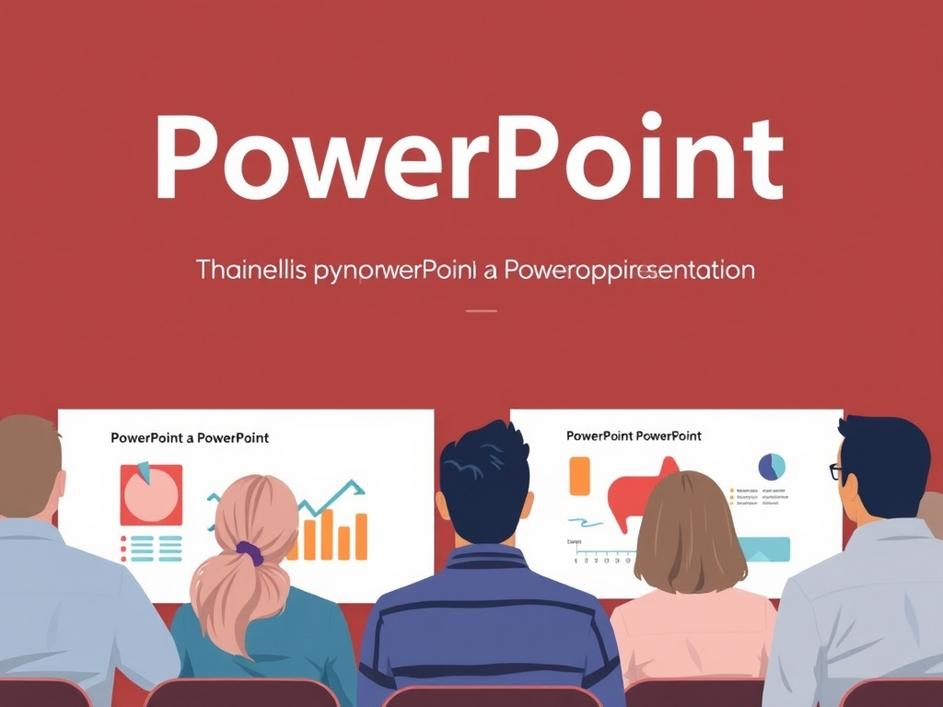
PowerPoint. The name alone conjures up images of boardrooms, classrooms, and countless presentations. For many, it’s a necessary evil, a software package used to create slide decks that, let’s be honest, can sometimes be less than thrilling. But beneath the surface of bullet points and transitions lies a powerful tool that, when used effectively, can significantly impact communication and collaboration. While often associated with corporate presentations, its utility extends far beyond the business world, impacting education, creative projects, and even personal organization. Its accessibility is a major draw, with various versions available and the ability to export to universally readable formats like PDF.
PowerPoint’s strength lies in its adaptability. It’s not just about creating simple slideshows; it’s about crafting visual narratives. Think about students using it to present research projects, teachers employing it to illustrate complex concepts, or artists creating digital portfolios. Businesses utilize it for investor pitches, marketing campaigns, and internal training programs. The ability to incorporate images, videos, charts, and graphs transforms raw data into engaging and easily digestible information. And the collaborative features allow teams to work together on presentations in real-time, streamlining the creation process.
While business applications are prominent, the potential for creative expression is often overlooked. PowerPoint can be a surprisingly effective tool for creating visual art, designing infographics, and even producing simple animations. The intuitive interface and wide range of design options make it accessible to users of all skill levels. Many artists and designers use it as a prototyping tool before moving to more specialized software. The focus on visual communication makes it ideal for quickly iterating on ideas and exploring different design concepts. Furthermore, it’s a great tool for creating visually engaging resumes and portfolios, helping individuals stand out from the crowd.
In a world saturated with information, the ability to communicate clearly and effectively is more important than ever. PowerPoint helps to simplify complex ideas by presenting them in a visually appealing format. A well-designed presentation can capture and hold an audience’s attention, making it easier for them to understand and remember key information. The use of visuals, such as charts and graphs, can help to illustrate trends and patterns that might be difficult to discern from raw data alone. And the ability to add multimedia elements, like videos and audio clips, can create a more immersive and engaging experience.
Of course, like any tool, PowerPoint can be misused. The infamous “death by PowerPoint” scenario, where presenters overload slides with text and read verbatim from the screen, is a common complaint. The key to effective PowerPoint presentations is to focus on clarity, simplicity, and visual appeal. Slides should be used to support the presenter’s message, not replace it. Avoid cluttering slides with too much text, and use images and graphics to illustrate key points. Practice your presentation beforehand, and be prepared to engage with your audience. Remember that PowerPoint is a tool to enhance your message, not a crutch to lean on.
As technology continues to evolve, the ways we present information will undoubtedly change. While PowerPoint may eventually be replaced by newer, more advanced tools, the underlying principles of effective visual communication will remain the same. The ability to simplify complex ideas, engage audiences, and tell compelling stories will always be valuable skills. PowerPoint, in its current form, serves as a foundation for these skills, providing a platform for users to experiment with different presentation styles and techniques. And with its continued updates and improvements, it will likely remain a relevant tool for years to come.
One aspect to consider is the accessibility of PowerPoint and similar presentation software. While there are free alternatives, the full suite of features often comes with a cost, potentially creating a digital divide. Those with access to the latest software and training may have a significant advantage in professional and academic settings. It’s crucial to explore open-source options and ensure that educational institutions and organizations provide equal access to these tools and training resources. Bridging this gap allows more individuals to harness the power of visual communication and share their ideas effectively.
Beyond presentations, PowerPoint can be a powerful personal learning tool. Creating slide decks on a subject helps to organize thoughts, identify key concepts, and synthesize information. The act of structuring information visually reinforces learning and improves retention. Students can use it to create study guides, and professionals can utilize it to summarize research papers or industry articles. By transforming information into a visual format, PowerPoint helps to break down complex topics into manageable chunks, making them easier to understand and remember. This proactive approach to learning fosters a deeper understanding of the material.
PowerPoint, when used thoughtfully, becomes a powerful asset. It’s more than just a slide-making machine; it’s a versatile platform for communication, collaboration, and creative expression. It’s not about the software itself, but how we use it to connect with others, share our ideas, and make a lasting impact.


Comments are closed