

We are a digital agency helping businesses develop immersive, engaging, and user-focused web, app, and software solutions.
2310 Mira Vista Ave
Montrose, CA 91020

2500+ reviews based on client feedback
What's Included?
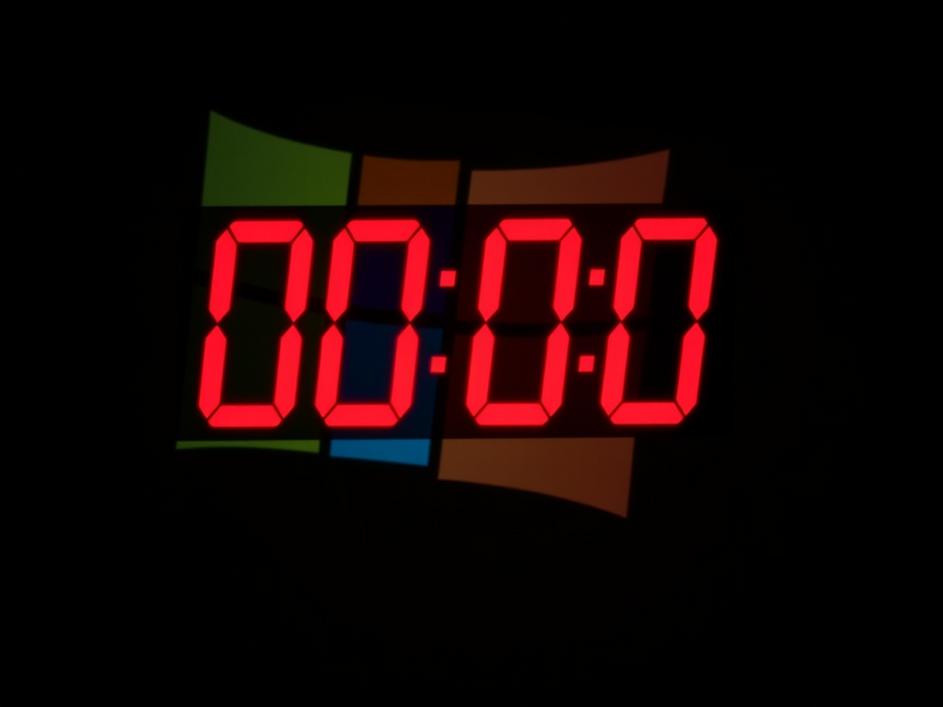
ToggleTime is running out for many Windows users. Microsoft has set a firm deadline for upgrading to a more recent version of its operating system, and that date is rapidly approaching. According to recent reports, you have just eight weeks left to make the jump. This isn’t just another routine software update; it’s a critical transition that could leave your system vulnerable or even unusable if you don’t act in time. So, what does this mean for you, and what steps should you take to ensure a smooth transition?
The primary reason for this upgrade push is security. Older operating systems, like Windows 7 or even some older versions of Windows 10, no longer receive critical security updates. This makes them increasingly vulnerable to malware, viruses, and other online threats. Think of it like leaving the front door of your house unlocked; it’s only a matter of time before someone tries to take advantage. Microsoft stops supporting older systems because it costs money to maintain security for older systems and fewer and fewer people use those systems.
The first step is to determine if you’re affected. If you’re unsure which version of Windows you’re running, it’s easy to find out. Simply type “winver” into the Windows search bar and press Enter. A small window will appear, displaying your Windows version and build number. Compare this information with Microsoft’s official list of supported operating systems. If your version is nearing its end-of-life date, it’s time to start planning your upgrade.
You generally have two main paths to consider: upgrading your existing hardware or purchasing a new device. Upgrading your existing hardware involves installing a newer version of Windows on your current computer. This can be a cost-effective option, but it’s crucial to ensure your hardware meets the minimum system requirements for the new operating system. If your computer is several years old, it may lack the processing power, memory, or storage space needed to run the latest version of Windows efficiently. The other path is buying a new computer with the latest Windows version pre-installed, which might be a more expensive solution, but it guarantees compatibility and often comes with improved performance and features.
Before you begin the upgrade process, it’s essential to back up all your important data. This includes documents, photos, videos, and any other files you can’t afford to lose. You can use an external hard drive, cloud storage, or a combination of both to create a backup. Once your data is secure, you can proceed with the upgrade. If you’re upgrading your existing hardware, you can use the Windows Update Assistant tool, which can be downloaded from Microsoft’s website. This tool will guide you through the process, checking for compatibility issues and downloading the necessary files. Be patient as it can take several hours to download and install the new operating system. Make sure to not interupt the computer while upgrading. If you’re purchasing a new device, simply follow the on-screen instructions to set up Windows and transfer your data from your old computer.
Upgrading Windows isn’t always a smooth process. One common issue is compatibility with older software or hardware. Some programs or devices may not work correctly with the new operating system, requiring you to update drivers or find alternative software. Another potential pitfall is performance. If your computer is underpowered, the new operating system may run slowly or sluggishly, leading to a frustrating user experience. It’s essential to research and address these potential issues before upgrading to avoid any surprises. Reviewing the specifications of your current computer is essential to prevent this issue.
After the deadline passes, computers running unsupported versions of Windows will continue to function, but they will no longer receive security updates. This means they will be increasingly vulnerable to malware and other online threats. Using an unsupported operating system is like driving a car without insurance; you’re taking a significant risk. While you can continue to use your computer, it’s highly recommended to upgrade to a supported version of Windows or switch to a different operating system to protect your data and privacy.
The impending Windows upgrade deadline is a critical reminder to keep your systems secure and up-to-date. Taking the time to assess your situation, understand your options, and plan your upgrade carefully will help you avoid potential problems and ensure a smooth transition. Don’t wait until the last minute; start planning your upgrade today to protect your data and enjoy the benefits of a modern, secure operating system. The decision to upgrade or replace your system is personal, but prioritizing security in an interconnected world is key to long-term peace of mind.



Comments are closed