

We are a digital agency helping businesses develop immersive, engaging, and user-focused web, app, and software solutions.
2310 Mira Vista Ave
Montrose, CA 91020

2500+ reviews based on client feedback
What's Included?
ToggleFor years, Google Chrome has reigned supreme as the king of web browsers. But in the fast-paced world of technology, even kings need to adapt to stay on the throne. It seems Google is doing just that, with a renewed emphasis on performance and user experience. The latest updates to Chrome are all about making your online life smoother, faster, and less draining on your computer’s resources.
Let’s be honest, we’ve all been there. You start with one or two tabs, and before you know it, you’re staring at a screen overflowing with dozens, maybe even hundreds, of open pages. This tab overload isn’t just visually overwhelming; it can also seriously slow down your computer. Chrome’s new tab management tools aim to solve this problem. While details are scarce without diving deep into the specifics on Google’s pages, one can imagine new groups, organization, and potentially a “hibernate” feature that puts inactive tabs to sleep, freeing up memory and processing power. The key here is providing users with intuitive ways to keep their browsing habits in check, without sacrificing the ability to quickly access information when they need it.
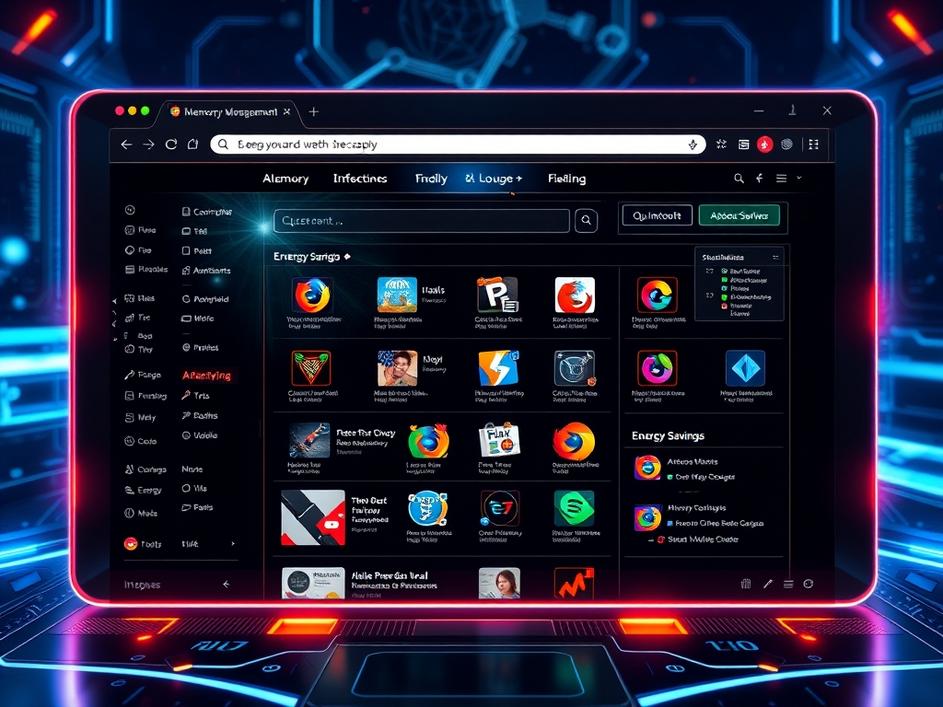
In a world increasingly conscious of energy consumption, Chrome’s new energy saver mode is a welcome addition. This feature promises to reduce the browser’s impact on your device’s battery life, especially when you’re away from a power source. This is particularly crucial for laptop users who rely on battery power for work or entertainment on the go. While the specifics of how this energy saving is achieved haven’t been revealed in the overview, it likely involves throttling background processes, reducing animation frame rates, and other clever optimizations. The result is a longer-lasting battery and a smaller carbon footprint, a win-win for both users and the environment. This isn’t just about extending battery life, though. By reducing the strain on your computer’s resources, energy saver mode can also contribute to a smoother and more responsive browsing experience overall.
One of Chrome’s biggest criticisms over the years has been its tendency to hog memory. This can lead to slowdowns and crashes, especially when running multiple applications at the same time. The new Memory Saver feature directly addresses this issue by intelligently managing how Chrome uses your computer’s RAM. It’s likely that this feature works by automatically discarding or compressing inactive tabs, freeing up memory for other tasks. When you return to a discarded tab, it’s quickly reloaded, so you don’t lose your place. This is a significant improvement over simply closing tabs, as it allows you to keep your browsing history intact while still minimizing memory usage. For users with older computers or those who tend to keep a large number of tabs open, Memory Saver could be a game-changer.
While the features sound great on paper, the true test lies in how they perform in real-world scenarios. Will the energy saver mode actually make a noticeable difference in battery life? Will the memory saver feature effectively prevent Chrome from hogging resources? Only time will tell. However, the fact that Google is actively addressing these issues is a positive sign. It demonstrates a commitment to improving the user experience and making Chrome a more responsible and efficient browser. But it’s important to remember that browser performance is a complex issue with many contributing factors. Your internet connection, the websites you visit, and the extensions you install can all have a significant impact on speed and stability. Chrome’s new features are just one piece of the puzzle.
Looking ahead, it’s clear that Google is prioritizing performance and resource management in Chrome’s development. This is a smart move, as users are increasingly demanding browsers that are both powerful and efficient. As web applications become more complex and resource-intensive, it’s essential that browsers keep pace. By focusing on energy efficiency and memory optimization, Google is positioning Chrome for continued success in the years to come. However, they’ll also need to continue innovating in other areas, such as security, privacy, and accessibility, to stay ahead of the competition. The browser wars are far from over, and Google will need to remain vigilant to maintain its position at the top.
Ultimately, the latest updates to Chrome represent a step in the right direction. By prioritizing performance and user experience, Google is making its flagship browser more appealing to a wider range of users. Whether you’re a casual web surfer or a power user with dozens of tabs open, these new features have the potential to make your online life a little bit easier. While it remains to be seen how effective these features will be in practice, the commitment to improvement is undeniable. It will be interesting to see how these improvements affect Chrome’s standing in the browser landscape. Perhaps they’ll bring back users who strayed to other browsers touting better performance.
Chrome’s renewed focus on speed and sanity is a welcome change. The browser wars are heating up, and this is exactly the kind of innovation needed to keep Chrome at the top. By tackling tab management, energy consumption, and memory usage, Google is addressing some of the biggest pain points that users have experienced with Chrome over the years. While these features may not be game-changing on their own, they represent a significant improvement to the overall browsing experience. And in the world of web browsers, every little bit helps.


Comments are closed