

We are a digital agency helping businesses develop immersive, engaging, and user-focused web, app, and software solutions.
2310 Mira Vista Ave
Montrose, CA 91020

2500+ reviews based on client feedback
What's Included?
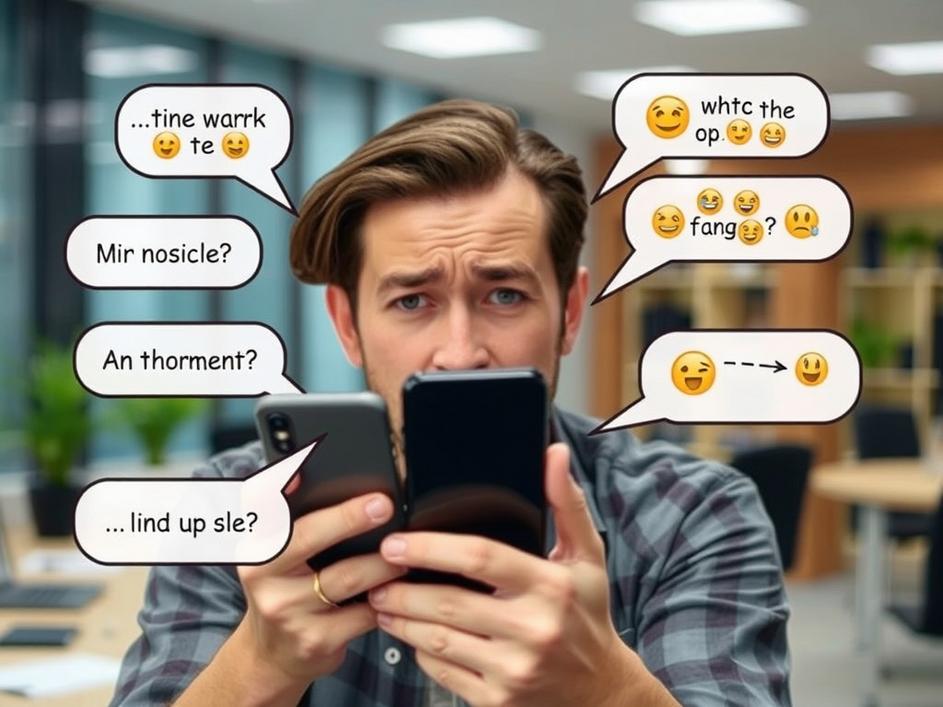
ToggleIn the past few weeks iPhone owners have taken to social media with a mix of humor and genuine irritation, all aimed at a single feature that most of us barely think about: autocorrect. What started as a few funny screenshots quickly grew into a full‑blown complaint thread that now stretches across Reddit, Twitter, and even mainstream tech sites. Users are reporting that the keyboard seems to have a mind of its own, swapping simple words for unrelated terms, inserting emojis in the middle of sentences, or outright refusing to recognize common slang. For many, the problem feels less like a minor annoyance and more like a battle against a tool that should be helping them communicate. The tone of the conversation is unmistakable – a blend of exasperation, sarcasm, and a hint of disbelief that a company known for polish could let something so basic slip.
The most common complaints revolve around three patterns. First, the classic “banana” effect, where a correctly typed word is replaced by something completely unrelated – “meeting” becomes “meatball,” “thanks” turns into “thunder.” Second, the predictive bar sometimes pushes bizarre suggestions that never make sense in context, like offering “zebra” when you’re typing about a “budget report.” Third, the new emoji shortcuts seem to trigger at random, popping a smiley face in the middle of a serious work email. Screenshots show the keyboard repeatedly guessing the wrong word even after users tap “replace” multiple times. Some users have even reported that the issue appears only after a recent iOS update, suggesting a regression rather than a one‑off glitch.
At first glance a typo or two might not seem worth a public outcry, but the problem touches deeper habits. Autocorrect is meant to speed up typing, reduce friction, and keep conversations flowing. When it starts to sabotage that flow, the result is broken sentences, missed deadlines, and a loss of trust in the device. For professionals who rely on quick replies, a mis‑corrected word can change the tone of a message or even cause misunderstandings. Younger users, who often type in shorthand or blend languages, find the feature especially hostile because it refuses to learn their patterns. In a world where digital communication is the norm, a faulty keyboard feels like a broken pen – it forces you to slow down and double‑check everything you write.
This isn’t the first time Apple’s software has drawn fire for being too aggressive or too timid with text suggestions. A few years back, the “predictive text” feature was criticized for auto‑replacing gender‑neutral terms with traditionally gendered ones, prompting a quick patch. More recently, the “smart punctuation” update caused apostrophes to disappear in code snippets, annoying developers. Those incidents show a pattern: Apple pushes convenience, but sometimes the algorithmic decisions outpace real‑world usage. The company’s usual response is a brief statement, a promise to investigate, and a software update weeks later. Users have learned to expect a waiting period, but the speed and tone of the current backlash suggest they’re less patient this time around.
From a technical standpoint, several factors could be at play. Autocorrect relies on a combination of local language models, cloud‑based suggestions, and user‑specific learning. A recent iOS version introduced a new neural network that tries to predict entire phrases rather than single words. If that model was trained on a dataset that underrepresents certain dialects or modern slang, it could default to odd replacements. Another possibility is a regression bug introduced when Apple integrated the new “quick path” keyboard layout, which changes how touch inputs are interpreted. Finally, privacy‑focused changes that limit data sharing might have unintentionally reduced the system’s ability to adapt to individual typing habits, making it appear less accurate. Each of these scenarios points to a trade‑off between privacy, performance, and user experience.
What should users do while Apple works on a fix? The short‑term solutions are simple: turn off autocorrect in Settings, or switch to a third‑party keyboard that offers more granular control. For power users, enabling “Predictive” but disabling “Auto‑Correction” can keep the helpful suggestions without the unwanted swaps. In the long run, the episode is a reminder that even the most polished ecosystems need room for user feedback. Apple’s strength has always been its ability to iterate quickly once a problem is highlighted. If the company listens, we can expect a refined model that respects both privacy and the quirks of everyday language. Until then, a little patience and a few manual corrections will keep our messages readable – and our sanity intact.

Comments are closed