

We are a digital agency helping businesses develop immersive, engaging, and user-focused web, app, and software solutions.
2310 Mira Vista Ave
Montrose, CA 91020

2500+ reviews based on client feedback
What's Included?
ToggleWhen you open Firefox, the first thing you see is the address bar. Most people think it only takes web addresses. But Mozilla has been adding little shortcuts that turn the bar into a tiny toolbox. One of the newest tricks lets you type a math problem straight into the bar and get an answer instantly. No need to open a separate calculator app or search engine. This idea fits a growing trend: keep the browser lean, but let it do more of the everyday chores we used to do elsewhere. By treating the bar like a command line, Firefox gives you a fast, low‑friction way to get numbers without breaking your flow.
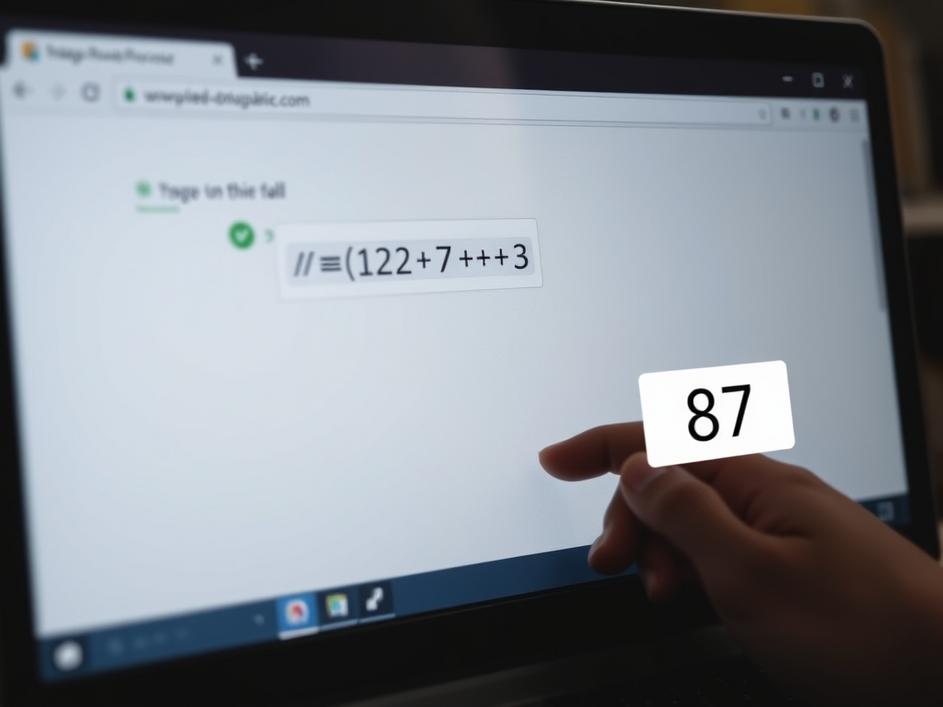
All you have to do is type an expression that looks like a normal URL, but start with an equals sign. For example, =12*7+3 will pop a small overlay with the result 87. Behind the scenes, Firefox runs a tiny JavaScript engine that parses the string, evaluates it safely, and shows the answer. The feature is built into the browser, so it works even when you are offline. It respects the same safety rules as the rest of the browser, meaning it won’t run any code that could harm your computer. The result appears right below the bar, so you can keep typing or hit Enter to go to a new page.
Imagine you are budgeting for a weekend trip. You need to split a hotel bill among three friends, add tax, and then figure out how much each person owes. Instead of opening a spreadsheet, you can type =250/3*1.08 into the bar and get the final number in seconds. Students find it handy for quick homework checks. Developers often need to convert units or calculate pixel ratios while coding, and this shortcut removes a mental pause. Even casual users can use it for grocery math or figuring out a tip at a restaurant. The key is that the calculation happens without leaving the page you are on, so your focus stays intact.
Sometimes the bar refuses to calculate and shows a message about JavaScript being disabled. This usually means a setting, an extension, or a network filter is blocking the tiny script that powers the feature. Turning on JavaScript in the privacy settings or disabling a blocking add‑on often fixes it. In rare cases, a corporate firewall may strip out the script, thinking it’s a security risk. If you keep seeing the error, try opening a new private window, which runs with a clean set of extensions. Knowing how to troubleshoot helps you keep the shortcut alive.
I was skeptical at first. I thought a browser should stay focused on browsing, not become a calculator. After using it a few times, I see the value. It removes a tiny but annoying step from my daily routine. The feature feels like a natural extension of the address bar’s purpose: a place to input commands and get immediate feedback. It isn’t a replacement for a full‑featured calculator, but for quick checks it is spot on. The fact that it works offline also makes it feel reliable, like a hidden pocket tool you can pull out whenever you need it.
Firefox’s math‑in‑the‑bar feature shows how small quality‑of‑life tweaks can improve a browser’s usefulness. It turns a familiar UI element into a mini‑assistant that respects privacy and works without an internet connection. If you run into the JavaScript warning, a quick settings tweak will get you back on track. Give it a try next time you need a fast number, and you might find yourself reaching for the address bar more often than you expected. The simplicity of typing = followed by an expression makes the whole experience feel natural, and that is the kind of subtle improvement that keeps a browser feeling fresh.
Source: Original Article



Comments are closed