

We are a digital agency helping businesses develop immersive, engaging, and user-focused web, app, and software solutions.
2310 Mira Vista Ave
Montrose, CA 91020

2500+ reviews based on client feedback
What's Included?
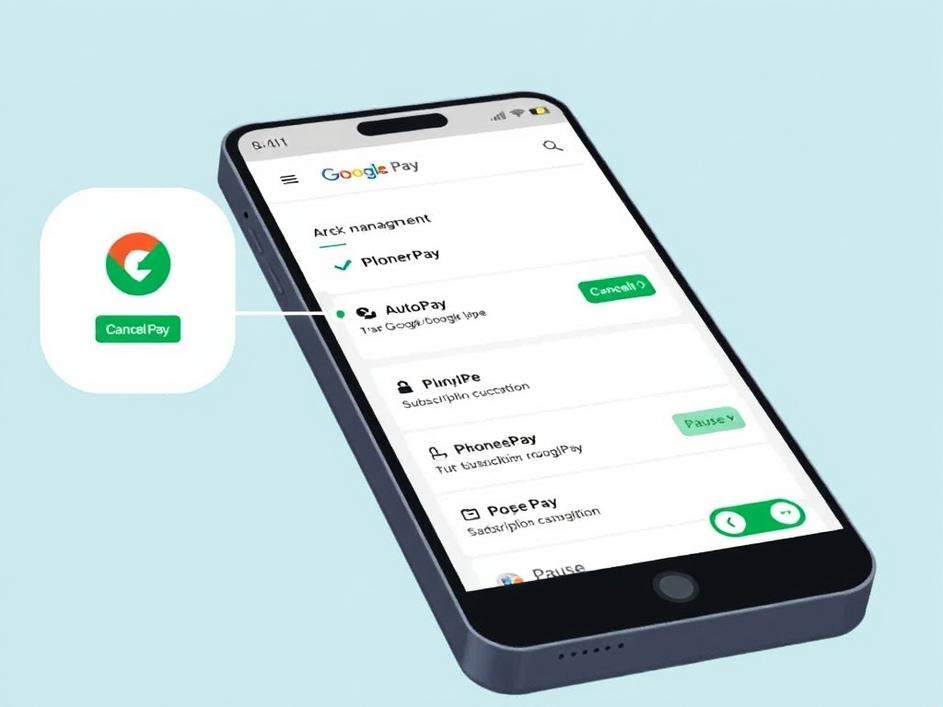
ToggleUPI AutoPay has become a popular way to handle recurring payments without the hassle of manual transactions every time. Whether it’s paying for subscriptions, utility bills, or EMI payments, AutoPay saves a lot of time. But with convenience comes the risk of losing track of these automatic deductions. If you aren’t regularly checking or managing these payments, you might end up paying for services you no longer need or even face unexpected charges. That’s why it’s essential to know how to check, pause, or cancel your UPI AutoPay authorizations, especially on popular apps like Google Pay, PhonePe, and Paytm.
The first step to staying on top of your AutoPay subscriptions is checking which mandates are currently active on your account. Each app offers a slightly different route to access this information. For instance, in Google Pay, you can find this under the ‘New Payments’ section, followed by the ‘Subscriptions’ tab. PhonePe users can navigate to the ‘My Money’ section and then select ‘AutoPay Mandates.’ Similarly, Paytm displays an AutoPay management area within the wallet or payments section. Reviewing this list regularly is a smart habit because it helps you spot any charges before they happen. And knowing what services you’re paying for automatically is the key to better financial control.
Sometimes you don’t want to cancel a mandate but just need to pause payments temporarily — maybe if you’re on a budget or if service usage will be inactive for a while. Some apps offer the option to pause or snooze AutoPay payments for a specific time frame. This feature is useful if you anticipate resuming payments later without the hassle of re-subscribing. However, not all apps have a straightforward pause option, so you might have to manually cancel and then re-authorize later. Keeping this in mind can save you from unnecessary confusion and delays when resuming services.
If you decide a service is no longer needed or you want to avoid future deductions, cancelling the AutoPay mandate is the straightforward approach. On Google Pay, cancellation involves visiting the mandate details and selecting the option to revoke authorization. PhonePe similarly lets you cancel from the AutoPay Mandate section by choosing the relevant mandate and confirming cancellation. Paytm users can cancel from the AutoPay settings within the app. A key point is to ensure you receive a confirmation after cancellation—this safeguards against any further automated charges. Also, it’s good to check your bank’s UPI App or BHIM App to cross-verify that the mandate has indeed been revoked.
AutoPay eases our payment tasks, but neglecting it can cause financial leaks. By regularly reviewing, pausing, or cancelling unwanted AutoPay mandates, you maintain control over your money. It’s like keeping an eye on your subscriptions: many of us pay for services we don’t use anymore because it’s easy to forget. Technology should serve us, not trap us. Taking a little time once a month to check your AutoPay commitments ensures you’re paying only for what you want. This habit also helps avoid surprises on your bank statement and keeps your budget healthy. Plus, it adds peace of mind when you know you’re not being charged unnecessarily.
In today’s fast-paced world, automatic payments are a blessing, but only if you keep them in check. Tools exist to pause or cancel UPI AutoPay on Google Pay, PhonePe, and Paytm, but many users remain unaware of how to use them effectively. A few minutes spent managing your AutoPay settings can save you money and stress in the long run. Always remember to periodically check which mandates are active, decide if you need to pause or cancel them, and confirm changes properly. Staying proactive about these payments will give you more control over your finances and help you avoid unwanted surprises.



Comments are closed