

We are a digital agency helping businesses develop immersive, engaging, and user-focused web, app, and software solutions.
2310 Mira Vista Ave
Montrose, CA 91020

2500+ reviews based on client feedback
What's Included?
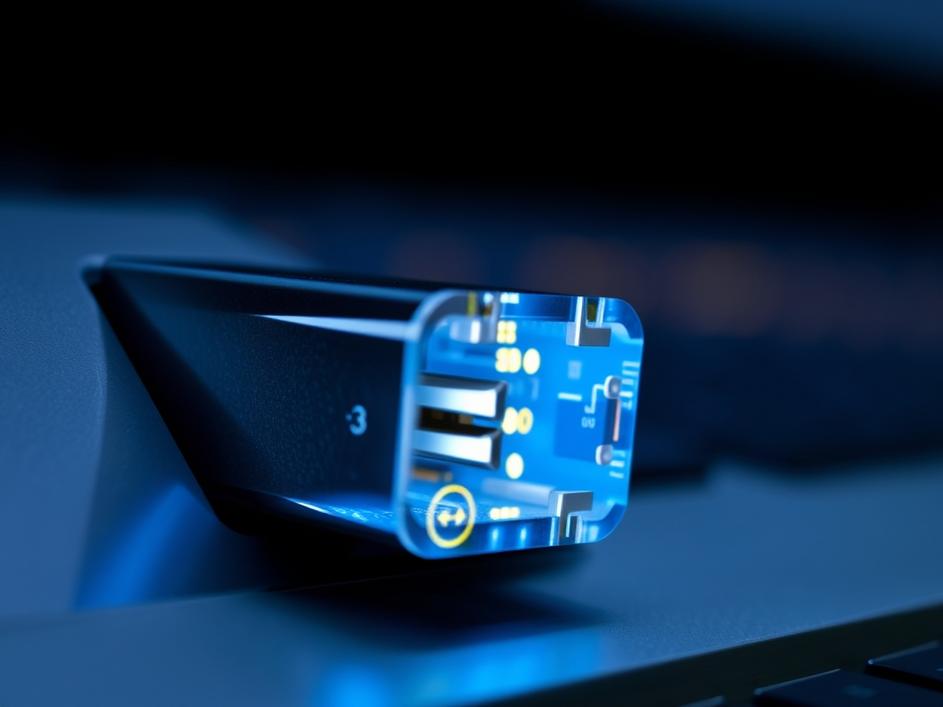
ToggleWe often think of USB ports as simple charging stations for our phones and other gadgets. They’re the ubiquitous rectangles on our computers, patiently waiting to power up our devices. But the truth is, these little slots are capable of so much more. They’re like secret agents, hiding a wealth of functionality behind a mundane facade. Let’s explore some cool and often overlooked ways to put those USB ports to work, beyond the obvious charging duties.
In an age of rampant online threats, securing your accounts is more important than ever. Passwords, while essential, can be vulnerable. A USB security key adds an extra layer of protection, acting like a physical key to your digital kingdom. These small devices plug into your USB port and use cryptographic authentication to verify your identity. Think of it as a high-tech doorman for your online accounts. Services like Google, Facebook, and many password managers support USB security keys, providing a more secure alternative to relying solely on passwords. The convenience is also a plus – no more typing in long, complicated passwords every time you log in. Just plug in your key, and you’re good to go.
Running out of space on your computer’s hard drive? A USB port offers a simple and cost-effective solution. External hard drives and SSDs can be connected via USB, providing ample storage for files, photos, videos, and backups. This is especially useful for laptops with limited internal storage or for creating a secure backup of your important data. Consider creating regular backups of your system to an external drive connected via USB. In case of a system crash or data loss, you can easily restore your files and get back up and running quickly. The portability of USB drives also makes them ideal for transferring large files between computers or for taking your work on the go.
Beyond storage, USB ports are your gateway to a vast ecosystem of peripherals. Need a better mouse or keyboard? Plug them in via USB. Want to improve your audio quality for video calls or recordings? A USB microphone can significantly enhance your sound. USB also opens doors to creative tools such as drawing tablets, MIDI keyboards for music production, and even specialized game controllers. The possibilities are truly endless. USB hubs can also extend your connectivity, allowing you to connect multiple devices even if your computer has a limited number of ports. This is particularly helpful for laptops or smaller desktop setups.
Did you know you can run entire applications directly from a USB drive? Portable apps are designed to be self-contained and don’t require installation on your computer. This is incredibly useful for carrying your favorite tools and utilities with you, allowing you to work on different computers without leaving a trace. Think of it as having your own personal workspace on a stick. You can find portable versions of many popular applications, including web browsers, office suites, image editors, and more. Simply copy the portable app to your USB drive, and you’re ready to go. This is a great way to try out new software without cluttering up your computer or for accessing your tools on public computers where you might not have administrative privileges.
A USB drive can be a lifesaver when your computer encounters problems. You can create a bootable USB drive containing diagnostic tools or a recovery environment. If your system fails to start or becomes infected with malware, you can boot from the USB drive and use the tools to diagnose the issue, repair your system, or recover your data. Many operating systems, including Windows and Linux, offer tools for creating bootable USB drives. This is a valuable skill for any computer user, as it can help you troubleshoot and fix problems without having to reinstall your entire operating system.
Sometimes, it’s the simple solutions that make the biggest difference. If your laptop tends to overheat, a USB-powered fan can provide a quick and easy cooling boost. These small fans plug into your USB port and circulate air around your laptop, helping to dissipate heat and prevent performance throttling. While not as effective as dedicated cooling pads, they’re a convenient and portable option for keeping your laptop running cool, especially during demanding tasks or in hot environments. A simple investment in a USB fan can extend the life of your laptop and improve its performance.
The USB port is far more than just a charging point; it’s a portal to enhanced security, expanded storage, diverse peripherals, and even system recovery. By exploring these often-overlooked functions, you can unlock the full potential of your computer and improve your overall computing experience. So, next time you reach for that USB port, remember that it’s not just a power outlet – it’s a gateway to a world of possibilities. Embrace the versatility of USB and discover new ways to make your computer work harder and smarter for you.



Comments are closed