

We are a digital agency helping businesses develop immersive, engaging, and user-focused web, app, and software solutions.
2310 Mira Vista Ave
Montrose, CA 91020

2500+ reviews based on client feedback
What's Included?
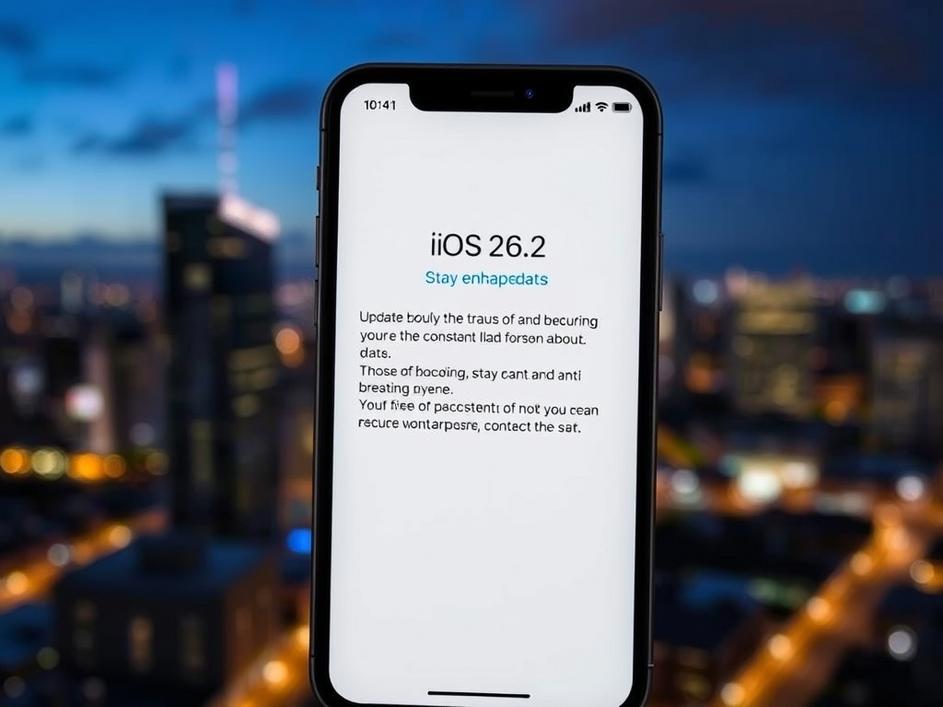
ToggleSomething’s brewing in the Apple world, and it comes in the form of iOS 26.2. Just when we thought we had a handle on the iPhone’s software roadmap, Apple throws a curveball. The tech community is buzzing about this unexpected update, especially after the company pushed out new software versions recently. Is this the calm before the storm, signaling a major public release is imminent? It certainly feels that way. We’re talking about an update that could land on your iPhone any minute now, and that’s got everyone paying attention.
Let’s be real, software updates aren’t always the most thrilling topic, but iOS 26.2 feels different. The “surprise” element suggests this isn’t just your run-of-the-mill bug fix release. Instead, it’s likely addressing something critical – maybe a security vulnerability that needs immediate patching or a performance issue impacting a wide range of users. Apple isn’t known for rushing things, so the sudden urgency points to a problem they want to squash ASAP. Security is Apple’s main selling point, so any potential security flaws are prioritized.
So, what could be hiding inside iOS 26.2? While Apple hasn’t spilled the beans, we can make some educated guesses. Given the timing and the “critical” nature implied by the rapid release, security enhancements are probably the top priority. We might also see fixes for recently reported bugs, especially if those bugs are causing significant problems for users. Could there be under-the-hood performance tweaks to optimize battery life or improve app responsiveness? It’s possible, but the focus is most likely on stability and security above all else. Perhaps this is an attempt to get all devices on the same page before the holidays to avoid possible breaches and hacks while people are traveling.
Before you eagerly tap that “Update Now” button, a little preparation goes a long way. First and foremost, back up your iPhone. I know, I know, it’s the advice everyone gives, but it’s crucial. Whether you use iCloud or your computer, having a recent backup means you can restore your device if anything goes wrong during the update process. Then, ensure your iPhone has enough free storage space. Updates need room to breathe, and a full storage drive can cause hiccups. Finally, make sure you have a stable Wi-Fi connection. A dropped connection mid-update can lead to problems, so a strong, reliable Wi-Fi signal is your best friend. It’s also important to remember your Apple ID and password in case you need to re-enter it.
Once iOS 26.2 is officially released, getting it on your iPhone is usually straightforward. Apple typically sends out notifications, prompting you to update. But if you’re impatient (like many of us), you can manually check for the update by going to Settings > General > Software Update. Your iPhone will then search for any available updates. If iOS 26.2 is ready, it will appear, and you can begin the download and installation process. Make sure your iPhone is plugged in or has plenty of battery life before starting the update, as it can take a while to complete. Remember, do not turn off your device until it is fully updated!
While iOS 26.2 itself may seem like a minor blip, it highlights Apple’s commitment to keeping its devices secure and up-to-date. In a world where cyber threats are constantly evolving, these rapid-response updates are increasingly important. It also underscores the importance of regular software updates in general. They’re not just about adding new features; they’re about protecting your data and ensuring your device runs smoothly. This is a reminder that staying current with software updates is a crucial part of responsible tech ownership. Apple is on top of its game for providing secure and up-to-date services and devices.
The increasing frequency of these “critical” updates raises some interesting questions about software development practices. Are software projects becoming more complex, leading to more frequent vulnerabilities? Or are companies simply getting better at identifying and addressing security risks? Either way, it suggests that we’re entering an era of continuous software refinement, where updates are no longer occasional events but rather an ongoing process. This may mean we will be constantly downloading the newest version, as soon as it releases.
iOS 26.2 might not be the most glamorous update, but it’s likely an important one. By addressing potential security vulnerabilities and squashing bugs, it helps ensure that your iPhone remains a safe and reliable device. So, when that update notification pops up, don’t hesitate to tap “Update Now.” A little patience during the installation process can go a long way in protecting your digital life. Keeping your device updated is the best way to secure it and make sure it runs smoothly.

Comments are closed