

We are a digital agency helping businesses develop immersive, engaging, and user-focused web, app, and software solutions.
2310 Mira Vista Ave
Montrose, CA 91020

2500+ reviews based on client feedback
What's Included?
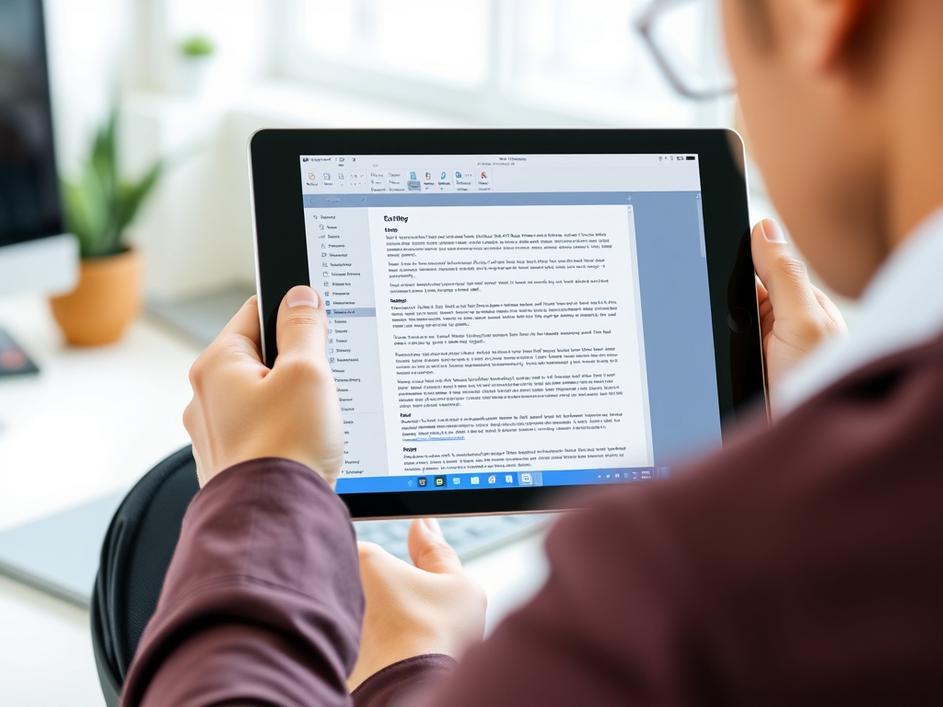
ToggleFor years, the iPad has been trying to shake off its image as just a consumption device. While it excels at entertainment and casual browsing, many users have longed for it to be a true workhorse, capable of handling demanding office tasks with the same ease as a desktop computer. The arrival of WPS Office on iPadOS is a significant step in that direction. This isn’t just another mobile office suite; it’s designed to bring a desktop-class experience to the iPad, potentially changing how professionals use their tablets.
WPS Office has been around for a while, offering a free and versatile alternative to Microsoft Office. What sets this iPadOS version apart is its focus on providing a feature-rich environment that mirrors the functionality of desktop office suites. This means users can expect advanced formatting options, complex formula support in spreadsheets, and powerful presentation tools, all optimized for the iPad’s touch-centric interface. It goes beyond basic editing, empowering users to create and manage sophisticated documents directly on their tablets.
While specific details about every feature are still emerging, the announcement highlights AI-powered capabilities. This suggests that WPS Office on iPadOS might incorporate intelligent features such as automatic formatting suggestions, grammar checking, and even assistance with content creation. Imagine the iPad suggesting the best layout for your presentation slides or automatically correcting errors in your report. This blend of traditional office tools with modern AI could significantly boost productivity for iPad users.
This release is more than just another app launch; it’s about expanding the possibilities of the iPad. For professionals who are constantly on the go, the ability to create and edit complex documents on their iPad without sacrificing functionality is a game-changer. Think of journalists covering live events, consultants working from client sites, or students collaborating on projects. WPS Office on iPadOS could become an indispensable tool, enabling them to stay productive wherever they are.
WPS Office enters a competitive market, with established players like Microsoft Office and Google Workspace already offering iPad apps. However, WPS Office’s focus on desktop-class features and its potentially lower price point could give it an edge. The success of WPS Office on iPadOS will depend on its ability to deliver a truly seamless and powerful user experience. The future looks bright, with the promise of ongoing updates and new features that will further enhance the iPad’s capabilities as a productivity platform.
One of the biggest challenges for any desktop-class app on iPadOS is adapting to the touchscreen interface. While the iPad supports keyboards and mice, many users still prefer using touch. WPS Office will need to provide intuitive touch controls and gestures that make it easy to navigate complex documents and perform intricate tasks. This means carefully designing the user interface to minimize the need for precise mouse clicks and maximize the efficiency of touch interactions.
WPS Office is known for its freemium business model, offering a basic version of the software for free while charging for premium features. This approach can attract a large user base, but it also raises questions about the limitations of the free version. Will the free version be powerful enough for most users, or will they need to upgrade to unlock essential features? The answer to this question will determine whether WPS Office becomes a widely adopted solution or remains a niche product.
In today’s interconnected world, integration with other apps and services is crucial. WPS Office on iPadOS will need to seamlessly integrate with cloud storage providers like iCloud, Google Drive, and Dropbox, allowing users to easily access and share their files. It should also support popular file formats and offer compatibility with other office suites. The ability to work seamlessly with other tools will be essential for WPS Office to become a central part of users’ workflows.
The arrival of WPS Office on iPadOS represents a promising step forward in the evolution of the iPad as a productivity tool. By bringing desktop-class features to the iPad, WPS Office has the potential to transform how professionals use their tablets. While challenges remain, the future looks bright for iPad users who are seeking a powerful and versatile office suite that can keep up with their demanding workloads. It will be interesting to watch how WPS Office evolves and how it impacts the broader iPadOS ecosystem.



Comments are closed