

We are a digital agency helping businesses develop immersive, engaging, and user-focused web, app, and software solutions.
2310 Mira Vista Ave
Montrose, CA 91020

2500+ reviews based on client feedback
What's Included?
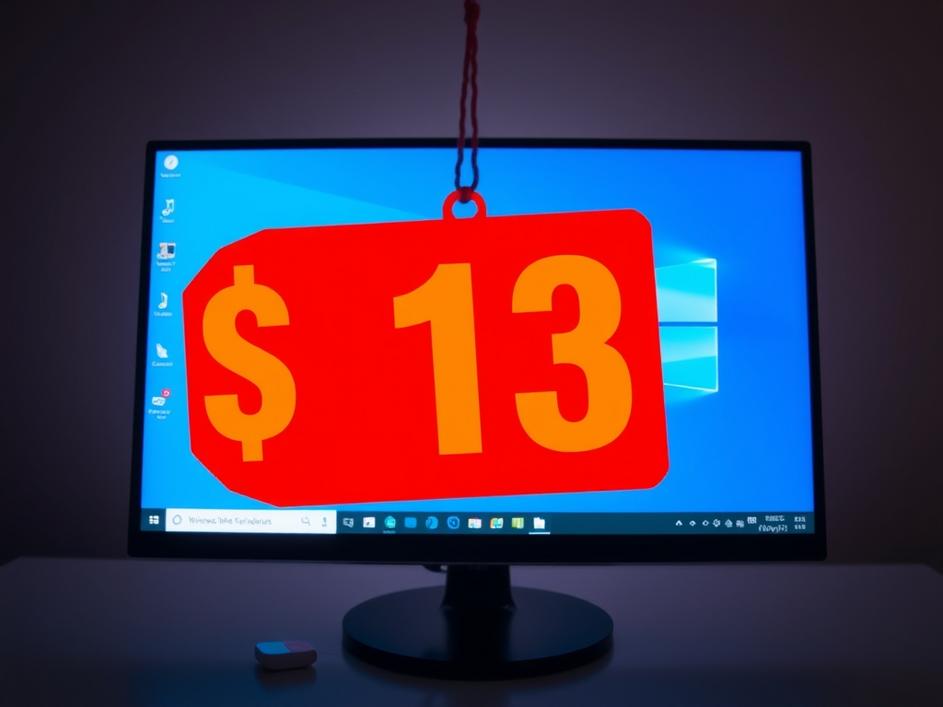
ToggleWe all love a good deal, especially when it comes to software. The idea of upgrading to Windows 11 Pro for just $13, a supposed 93% discount, is certainly eye-catching. But before you rush to grab your credit card, it’s worth pausing and considering what’s really on offer and whether it’s the right move for you.
Windows 11 Pro is the beefed-up version of Windows 11. It includes all the features of the Home edition, plus extra tools aimed at professionals and businesses. Think enhanced security features like BitLocker encryption, remote desktop access, and Hyper-V virtualization. These features let you run virtual machines, encrypt your hard drive, and connect to your computer from afar. For many home users, these features are overkill. But if you’re a power user, a developer, or someone who works from home and needs robust security, Windows 11 Pro might be a worthwhile upgrade.
Microsoft typically sells Windows 11 Pro for a much higher price, often around $200 or more. So, a $13 offer raises some red flags. Where is this deal coming from? Is it legitimate? The New York Post article mentions a partnership with StackCommerce. While StackCommerce is a legitimate company that often bundles software and offers discounts, it’s still important to be cautious. Always check the fine print and research the seller before making a purchase. It’s a good idea to read reviews and see if other users have had positive experiences with the seller. If the deal seems too good to be true, it probably is.
Buying software from unauthorized sources can be risky. You might receive a non-genuine product key that eventually gets deactivated. Or, worse, you could download malware disguised as Windows 11 Pro. Even if the product key is legitimate, the seller might not provide adequate support if you run into problems during installation or activation. Before you buy anything from a third-party seller, it’s a good idea to do a little research about the seller to see what other users have said about their experience with them. It’s important to back up all your data before upgrading your operating system. Upgrading your operating system always carries risks, and you don’t want to lose any important data.
Before you make a purchase, ask yourself if you really need the extra features of Windows 11 Pro. If you mainly use your computer for browsing the web, watching videos, and light productivity tasks, Windows 11 Home is likely sufficient. However, if you need advanced security features, remote access, or virtualization capabilities, then Windows 11 Pro might be a worthwhile investment. Consider your needs and budget before making a decision. Also, make sure the upgrade process is something you are comfortable doing. The upgrade can be complex, and you may need to seek out technical help if you don’t have experience upgrading operating systems.
If you’re hesitant about buying Windows 11 Pro from a third-party seller, there are other options. You can purchase it directly from Microsoft, although it will be more expensive. Another option is to explore free and open-source operating systems like Linux. Linux offers a secure and customizable computing experience, and it’s completely free. Ubuntu and Fedora are good options for users new to Linux. ChromeOS is another good option for many users. ChromeOS is easy to use, secure, and good for web browsing, light productivity work, and watching videos. If you aren’t sure if the Windows 11 Pro upgrade is right for you, you may want to consider installing one of these alternatives on an old computer so you can experiment with the operating system without altering your primary computer.
Before attempting any upgrade, ensure your PC meets the minimum system requirements for Windows 11 Pro. Older hardware might struggle, leading to a frustrating experience. Microsoft provides a compatibility tool to check this, so use it! A slow and buggy operating system is worse than sticking with what you have. Making sure your computer meets all the system requirements can help to prevent performance issues and bugs. If your computer is very old, it may be time to upgrade to a new computer.
A discounted Windows 11 Pro license can be tempting, but proceed with caution. Verify the seller’s legitimacy, understand the terms, and ensure the upgrade aligns with your needs. If doubts linger, explore alternative options to safeguard your data and computing experience. It’s better to be safe than sorry when it comes to your operating system. Remember, a seemingly amazing deal isn’t worth it if it compromises your security or leaves you with a non-functional product.


Comments are closed