

We are a digital agency helping businesses develop immersive, engaging, and user-focused web, app, and software solutions.
2310 Mira Vista Ave
Montrose, CA 91020

2500+ reviews based on client feedback
What's Included?
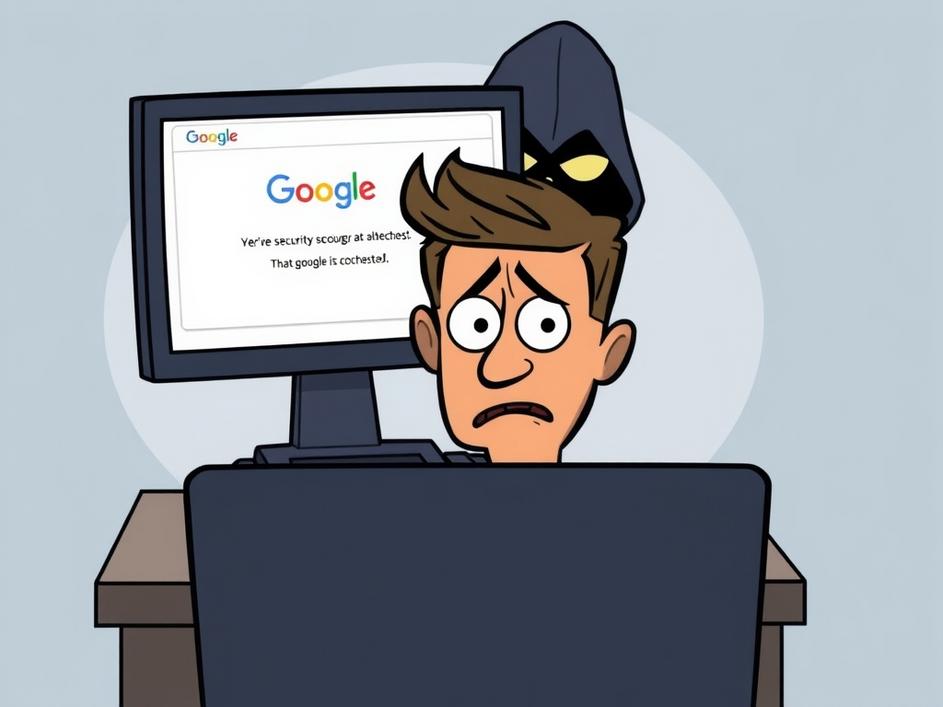
ToggleIt’s a jungle out there on the internet, and scammers are always coming up with new ways to trick people. The latest one making the rounds? A phishing scam that looks like a legitimate Google security check. This isn’t your run-of-the-mill fake email; this one’s designed to mimic Google’s security pages so well that it can fool even the most cautious users. The goal? To get you to install malware that turns your browser into a spying tool.
Imagine you’re browsing the web, and suddenly a page pops up claiming to be a Google security check. It might say your account needs extra protection or that there’s been suspicious activity. The page looks completely legitimate, with Google’s familiar logo and design. You follow the instructions, which lead you to download a file or install a browser extension. But here’s the catch: that download isn’t a security tool at all. It’s malware designed to steal your data, track your browsing activity, or even take control of your browser.
What makes this scam particularly dangerous is how convincing it is. Scammers have gotten really good at creating fake pages that look identical to the real thing. They use the same colors, fonts, and logos, making it hard to tell the difference. Plus, many people trust Google, so they’re more likely to believe a security alert that appears to come from the tech giant. Another reason why this scam works is because it preys on fear. People are worried about their online security, and scammers exploit that fear to get them to act without thinking.
So, how do you stay safe? The key is to be vigilant and skeptical. Never download anything or install browser extensions from a page you weren’t expecting. If you get a security alert, go directly to Google’s website (type it into your browser yourself) and check your account settings. Don’t click on links in the alert itself. Here are a few more tips:
* **Double-check the URL:** Make sure the web address starts with “https://” and has a padlock icon, indicating a secure connection. Even then, scrutinize the domain name itself for subtle misspellings or unusual characters.
* **Enable two-factor authentication (2FA):** This adds an extra layer of security to your Google account, making it harder for scammers to gain access even if they have your password.
* **Keep your software up to date:** Regularly update your browser, operating system, and antivirus software to patch security vulnerabilities.
* **Use a reputable antivirus program:** A good antivirus program can detect and block malicious software before it can harm your computer.
* **Be wary of unsolicited requests:** Be suspicious of any unexpected emails, pop-up windows, or phone calls asking for personal information or urging you to take immediate action.
* **Educate yourself and others:** Stay informed about the latest scams and share this information with your friends and family. The more people who are aware of these threats, the less effective they become.
This latest Google security scam is just one example of the ongoing battle between internet users and cybercriminals. Scammers are constantly evolving their tactics, and it’s up to us to stay one step ahead. Companies like Google are also working hard to improve their security measures and protect users from these threats. But ultimately, the responsibility for staying safe online rests with each individual. We need to be aware of the risks, take precautions, and report any suspicious activity we encounter. And remember, if something seems too good to be true, or if a request seems unusual, it’s always best to err on the side of caution.
In today’s digital world, critical thinking is more important than ever. We’re bombarded with information from all sides, and it’s easy to get caught up in the noise. But it’s crucial to take a step back and evaluate the information we’re seeing, especially when it comes to online security. Ask yourself: Does this message seem legitimate? Is the source trustworthy? Am I being pressured to act quickly? By asking these questions, you can protect yourself from scams and make smarter decisions online. This isn’t just about avoiding malware; it’s about cultivating a healthy skepticism and protecting your personal information in an increasingly interconnected world. The internet offers amazing opportunities, but it also comes with risks, and being informed is the best defense.
Don’t become a victim! Take steps today to protect yourself from this Google security scam and other online threats. Share this information with your friends and family. By working together, we can make the internet a safer place for everyone.
Online security will remain a cat-and-mouse game. As security measures get better, so too will the methods of attackers. We’ll likely see increased sophistication in phishing attacks, making them harder to detect. Technologies like AI might be used to craft more personalized and convincing scams. The human element will remain critical. Technology alone cannot solve the problem; we need education and awareness to empower people to make safe choices online.



Comments are closed