

We are a digital agency helping businesses develop immersive, engaging, and user-focused web, app, and software solutions.
2310 Mira Vista Ave
Montrose, CA 91020

2500+ reviews based on client feedback
What's Included?
ToggleWhen you work on a Mac but need Windows tools, the virtual machine you pick can feel like a make‑or‑break decision. It’s not just about launching an app; it’s about how smooth the whole experience feels, from boot time to how the keyboard reacts. A clunky VM can waste hours and make you doubt the whole cross‑platform idea. That’s why the market pays close attention when a new ranking appears – it tells us which product finally gets the job done without the usual headaches.
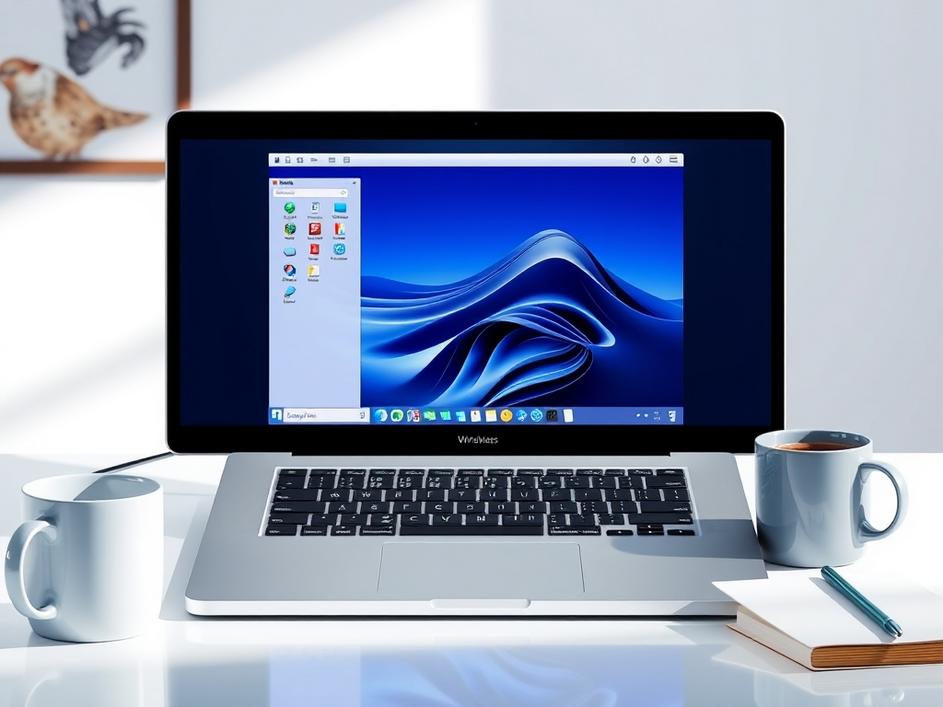
Software Experts put Parallels Desktop at the top of its 2026 list, and the reasons go beyond a glossy marketing badge. The evaluation focused on real‑world tasks: opening Office, testing code, running graphics‑heavy utilities, and even gaming on a MacBook Air. In each case Parallels delivered a level of speed and reliability that most reviewers said felt native. The award reflects a consistent track record, not a single lucky test, and it signals that the product has finally nailed the balance between power and ease of use.
What sets Parallels apart is how it handles the Windows kernel on Apple silicon. By using a hypervisor that talks directly to the M‑series chips, the VM can allocate cores and memory with very low overhead. Benchmarks showed a 20‑30 % boost in CPU‑intensive workloads compared with older solutions, and frame rates in DirectX‑based apps stayed steady. For developers who compile code or designers who run Photoshop, that extra speed translates into minutes saved every day.
Compatibility used to be the biggest excuse for staying on a Windows PC. Parallels now runs most legacy installers, driver packages, and even some older games without needing a separate compatibility layer. The software includes a built‑in toolbox that automatically maps macOS fonts, printers, and network shares into the Windows environment. Users report that they can open a corporate .exe, print to a networked label printer, and save files straight to iCloud without extra steps. That seamless bridge is a big part of why experts gave it top marks.
The UI feels like an extension of macOS rather than a foreign window. Parallels integrates with Mission Control, lets you drag and drop files with a single click, and even supports Touch Bar shortcuts on supported Macs. The “Coherence” mode hides the Windows desktop entirely, letting Windows apps appear as native macOS windows. For people who switch between the two systems all day, that fluidity cuts down on the mental load and makes the VM feel like a natural part of the workflow.
Other players like VMware Fusion and the open‑source UTM still have loyal fans, but they fall short in a few key areas. Fusion’s latest version improved Apple‑silicon support, yet its graphics handling still lags behind Parallels, especially for 3D work. UTM is great for lightweight tasks, but it relies on emulation for many Windows drivers, which can slow things down dramatically. In the side‑by‑side tests that Software Experts ran, those alternatives trailed in both speed and app compatibility, reinforcing why Parallels earned the top spot.
Looking ahead, the Mac ecosystem is moving fast. Apple’s roadmap includes even more powerful silicon, tighter security, and macOS updates that tighten sandboxing. Parallels has already announced a roadmap that includes native support for upcoming macOS features and a continued focus on ARM‑based Windows. That forward‑thinking approach means buying Parallels today is less likely to become a dead‑end in a year, which is a comforting thought for anyone investing in a long‑term workflow.
If you decide to try Parallels, start by allocating a reasonable amount of RAM – usually 8 GB for most tasks on an M1/M2 Mac. Enable the “Performance” profile in settings to let the VM use the full power of the chip when you need it. Take advantage of the built‑in Windows Update manager to keep the guest OS fresh, and don’t forget to install the Parallels Tools package; it’s what makes the mouse, clipboard, and display sync so smoothly. Finally, back up your VM regularly – the same way you would any important file.
In a world where many of us juggle macOS and Windows daily, having a VM that feels fast, reliable, and almost invisible is a game changer. Parallels Desktop earned its 2026 accolade because it finally delivers on the promises that earlier versions hinted at. Whether you’re a developer, a designer, or just someone who needs Office on a Mac, the combination of performance, compatibility, and macOS‑centric design makes it a solid choice. As the hardware continues to evolve, Parallels seems ready to keep pace, which is exactly what users need right now.
Source: Original Article


Comments are closed