

We are a digital agency helping businesses develop immersive, engaging, and user-focused web, app, and software solutions.
2310 Mira Vista Ave
Montrose, CA 91020

2500+ reviews based on client feedback
What's Included?
ToggleFor years, laptop users have wrestled with a persistent question: Is it okay to leave my laptop plugged in all the time? The answer, like many things in technology, isn’t a simple yes or no. It’s a bit more nuanced, depending on the type of battery your laptop uses and how you typically use your device. Let’s take a look at what you need to know to make an informed decision about your laptop’s power habits.
The first thing to understand is the type of battery in your laptop. Most modern laptops use lithium-ion (Li-ion) batteries. These batteries are different from the older nickel-cadmium (NiCad) or nickel-metal hydride (NiMH) batteries. Older battery types suffered from a “memory effect,” where repeated partial discharges would reduce their capacity. So you would always need to fully discharge them. Lithium-ion batteries don’t have this problem. That’s the first point to get out of the way. So we are already better off than before.
Lithium-ion batteries degrade over time, regardless of how you use them. This degradation is based on charge cycles and heat. A charge cycle is a complete discharge and recharge of the battery. Partial charges count as fractions of a cycle. For example, charging from 50% to 100% would be half a cycle. Heat is the enemy of all electronics, and Li-ion batteries are no exception. High temperatures accelerate the chemical reactions that cause the battery to degrade. Now let’s talk about what it means for your daily usage.
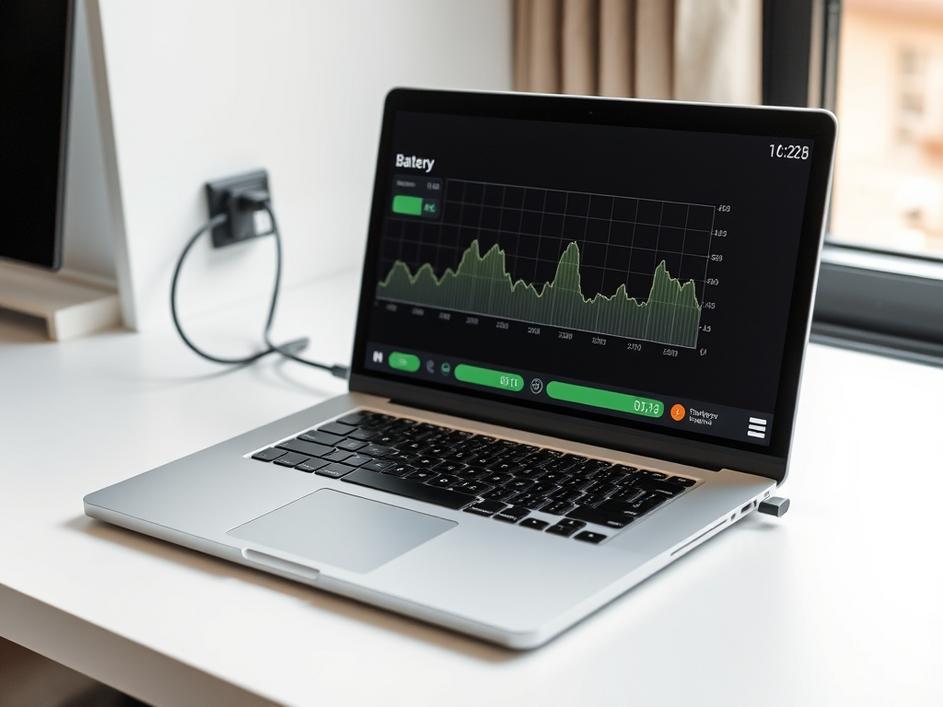
Leaving your laptop plugged in all the time *can* contribute to battery degradation, but not in the way you might think. The issue isn’t overcharging. Modern laptops have built-in charging circuits that stop charging the battery once it reaches 100%. Instead, the problem is the heat generated by keeping the battery at or near full charge for extended periods. When your laptop is plugged in and at 100%, the battery is constantly trickle-charging to maintain that full charge. This process generates heat, which, as mentioned earlier, accelerates battery degradation. So you can see that it’s not the charging itself that hurts the battery, but the heat.
So, what’s the best way to keep your laptop battery healthy? Here are a few tips:
It’s worth noting that the power adapter also plays a role. A high-quality power adapter will regulate the charging process more efficiently, reducing the amount of heat generated. Using a generic or low-quality adapter can put unnecessary stress on the battery and shorten its lifespan. Always use the power adapter that came with your laptop or a reputable replacement from the manufacturer.
How you use your laptop also affects battery life. If you primarily use your laptop at a desk and have easy access to a power outlet, keeping it plugged in most of the time is convenient. However, if you frequently use your laptop on the go, allowing the battery to discharge and recharge regularly is unavoidable. In this case, focusing on managing heat and avoiding extreme charge levels is even more important.
Ultimately, laptop batteries are consumable items. They will degrade over time, regardless of how well you care for them. If you notice a significant drop in battery life, replacing the battery is a viable option. Many laptops have user-replaceable batteries, while others may require professional service. Replacing a battery is often more cost-effective than replacing the entire laptop, so it’s worth considering.
Let’s consider the environmental side of this. When batteries degrade faster, they need to be replaced more frequently. This creates more electronic waste, which can be harmful to the environment if not disposed of properly. By taking care of your laptop battery, you’re not only saving money but also reducing your environmental footprint. Proper disposal and recycling of old batteries are crucial to minimizing their impact on the planet.
In conclusion, leaving your laptop plugged in all the time isn’t inherently *unsafe*, but it can accelerate battery degradation due to heat. The best approach is to strike a balance: keep the battery charged enough to be useful, avoid extreme charge levels, and manage heat. By following these tips, you can extend the life of your laptop battery and get the most out of your device. And remember, a little bit of care can go a long way in both saving you money and helping the environment.



Comments are closed