

We are a digital agency helping businesses develop immersive, engaging, and user-focused web, app, and software solutions.
2310 Mira Vista Ave
Montrose, CA 91020

2500+ reviews based on client feedback
What's Included?
ToggleDark mode. We all love it, right? It’s easier on the eyes, looks sleek, and saves a tiny bit of battery life (maybe). Microsoft has been on a mission to bring a consistent dark mode experience to Windows 11. The latest update aimed to improve this, specifically targeting the File Explorer. The goal? To finally get those pesky dialog boxes to embrace the darkness. But, as with many things in the world of software, things didn’t go exactly as planned.
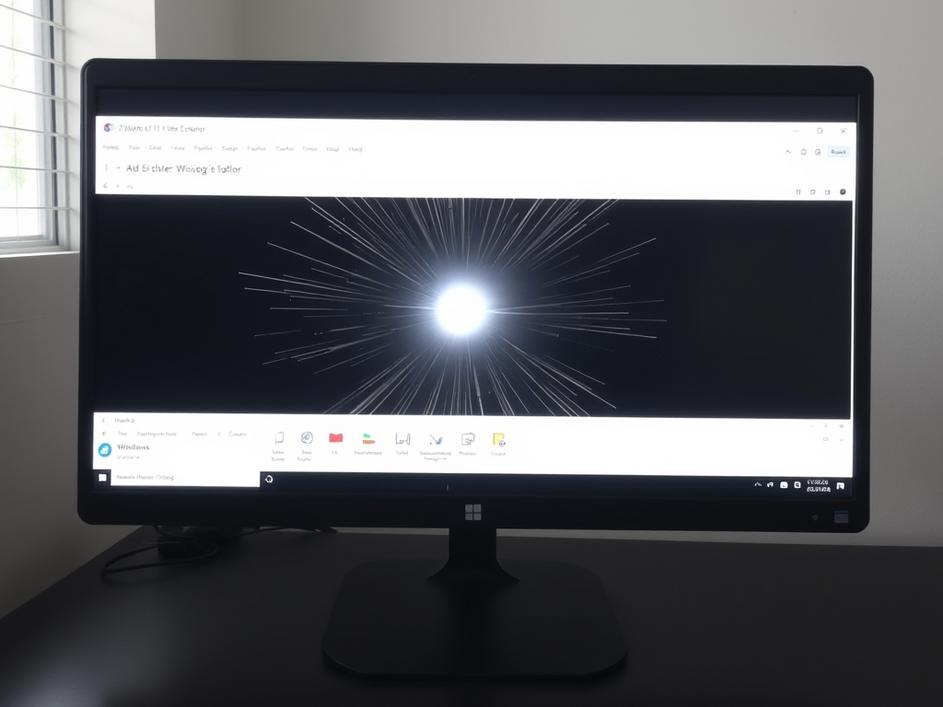
The update was supposed to deliver dark mode to File Explorer’s common dialogs, like the ones you see when you’re copying, moving, or deleting files. Finally, no more blinding white flashes! And, for some users, it actually worked! They rejoiced, praising Microsoft for finally addressing a long-standing annoyance. However, a different group of users started reporting a new issue: a quick white flash, or flickering, when opening File Explorer. It was like the application was briefly protesting the dark theme before begrudgingly giving in.
So, instead of a seamless dark mode experience, some users now have a strobe light effect every time they open File Explorer. This is the classic software development dilemma: fix one thing, break another. It highlights the complexity of modern operating systems and the challenges of making changes that affect millions of users with different hardware and software configurations. It’s like trying to fix a leaky faucet and accidentally flooding the entire bathroom.
You might be wondering why Microsoft struggles with something that seems relatively straightforward. Dark mode is essentially just changing the color palette, right? Well, not exactly. Windows has a long history, and its codebase is… let’s just say “extensive”. Different parts of the operating system were developed at different times, using different technologies and frameworks. Getting all these pieces to play nicely together, especially when it comes to something like theming, is a monumental task. Plus, consider the sheer number of different hardware configurations Windows runs on. What works perfectly on one machine might cause problems on another.
For the average Windows 11 user, this whole situation is a bit frustrating. You update your system expecting improvements, only to find that something you use every day is now slightly more annoying. It erodes trust and makes people hesitant to install updates, even though those updates often contain important security fixes. Microsoft needs to find a better way to test updates before releasing them to the general public. Perhaps a more robust beta program, or a staged rollout that limits the initial impact of potential bugs. They need to prevent features from degrading. It is important to build user confidence.
What does this mean for the future of Windows 11 and dark mode? Well, Microsoft is undoubtedly aware of the issue and will likely release a fix in the near future. In the meantime, users affected by the white flash bug can try a few workarounds, such as updating their graphics drivers or tweaking File Explorer settings. Ultimately, this whole episode serves as a reminder that software development is an iterative process. There will always be bugs, and there will always be unexpected consequences. The key is to learn from these mistakes and to keep striving for a better, more consistent user experience. Hopefully, the next update will bring us closer to that perfect dark mode, without any unwanted flashing lights.
The irony of an update designed to enhance dark mode actually *breaking* it for some users is pretty thick. It’s a reminder that even the biggest tech companies aren’t immune to software glitches and the occasional facepalm-worthy bug. But hey, at least it gives us something to talk about, right? And maybe, just maybe, it’ll prompt Microsoft to double-check their dark mode code a little more carefully next time.



Comments are closed