

We are a digital agency helping businesses develop immersive, engaging, and user-focused web, app, and software solutions.
2310 Mira Vista Ave
Montrose, CA 91020

2500+ reviews based on client feedback
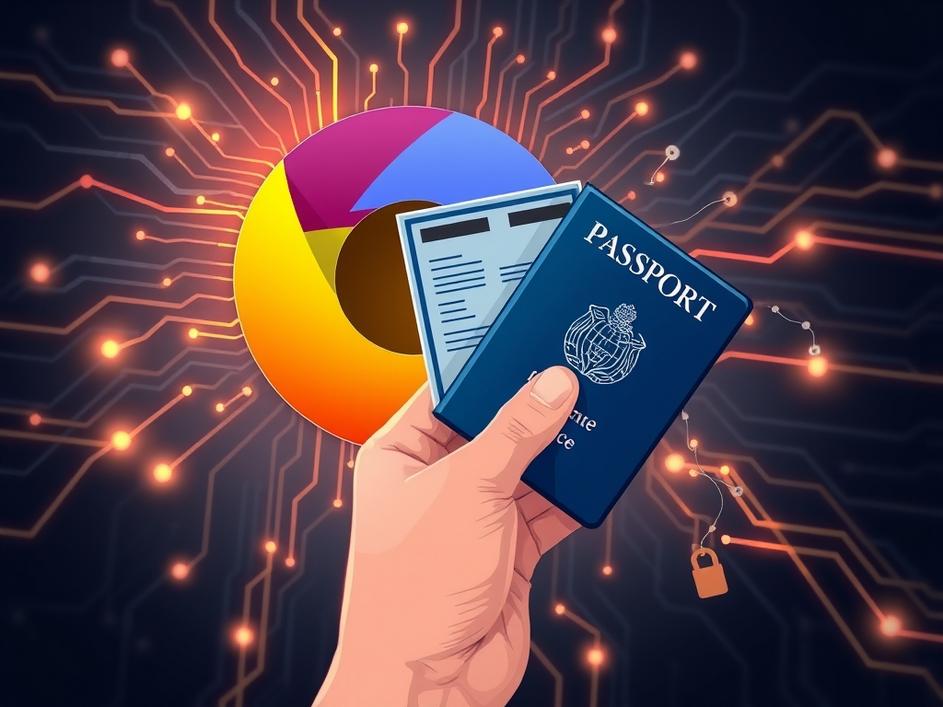
Okay, so Google Chrome just rolled out a new trick. You know how it usually fills in your name, address, or credit card info on websites? Well, now it can do the same for really important stuff like your passport, driver’s license, and even vehicle registration details. On one hand, that sounds super convenient. Imagine not having to dig out your documents every time you book a flight or register something online. But on the flip side, it also makes you stop and think: is this a step too far? Are we trading a bit too much privacy for a quicker click? It’s a classic tech dilemma – more ease often means more things to think about when it comes to keeping your information safe.
What's Included?
ToggleLet’s be real, nobody loves filling out endless online forms. It’s a chore. You’re typing in long numbers, birth dates, expiry dates, sometimes repeatedly. So, the idea of Chrome just doing it for you, instantly, is pretty tempting. Think about booking a last-minute flight where you need your passport details right away. Or dealing with vehicle registration renewals online. This new feature aims to slice minutes, maybe even hours, off those annoying tasks over time. For busy people, or anyone who just hates repetitive typing, this feels like a genuine time-saver. It taps into that desire for things to be simpler, quicker, and less of a bother in our already packed digital lives. It’s the ultimate convenience play from Google, designed to make your online life flow a little smoother.
But here’s where things get a bit more serious. We’re not talking about just your email address anymore. Passports and driver’s licenses are core pieces of your identity. They hold a lot of sensitive information. The big question then becomes: where is all this data stored? How secure is it inside your browser? What happens if your computer gets stolen or if malware finds its way in? If Chrome has all these details neatly filed away, a breach or a compromise of your device could expose a lot more than just your credit card number. It’s like keeping all your most important physical documents in one very accessible drawer – super handy if you need them, but also a single point of failure if someone unwanted gets the key. This new feature forces us to really think about the trust we place in our devices and the software we use every day.
So, does this mean we should all panic and stop using Chrome? Not necessarily. It means we need to be more aware and proactive about our own digital security. First off, strong, unique passwords for everything, and especially for your Google account if you’re syncing this information across devices. Two-factor authentication is no longer a “nice-to-have” but a “must-have” for any sensitive online service. Beyond that, keeping your computer’s operating system and browser updated is crucial. These updates often patch security holes. And then there’s the biggest one: think before you save. Chrome will ask if you want to save this information. You have the power to say no. If you’re not comfortable with the risk, don’t store it. It’s about making an informed choice, rather than just clicking “yes” out of habit. We can’t just hand over responsibility; we need to own our part in keeping our digital lives safe.
This move by Chrome isn’t just about making forms easier; it’s part of a larger trend. We’re seeing more and more services trying to integrate our real-world identities into our digital spaces. Digital wallets are expanding beyond credit cards to include loyalty cards, event tickets, and even sometimes digital versions of IDs. Browsers, which are our main gateway to the internet, are naturally becoming central to this. Google, Apple, and other tech giants are all trying to be the most convenient and secure “home” for our digital lives. This particular feature pushes the boundary further, bringing official government-issued ID into that fold. It signals a future where our digital identity might be far more intertwined with our physical one, and managed by the tools we use daily. This raises interesting questions about who “owns” our digital identity and how much control we truly have over it.
Ultimately, this new Chrome feature presents us with a classic modern dilemma: how much convenience are we willing to trade for potential security risks? There’s no easy answer, and it will probably depend on each person’s comfort level and their online habits. For some, the time saved will be worth the perceived risk, especially if they feel confident in their personal security practices. For others, the thought of their passport number sitting in their browser will be too much to bear. The key is to understand what’s happening, weigh the pros and cons for yourself, and then decide how to proceed. It’s not about fear-mongering, but about informed decision-making in a world where technology is constantly pushing the boundaries of what’s possible – and what’s safe.
So, Chrome’s new autofill for IDs is here. It’s undeniably convenient, promising to cut down on annoying typing for important documents. But with that ease comes the need for serious thought about our digital safety. As our digital lives get more entangled with our real-world identities, we have to stay smart. We need strong passwords, updated software, and a critical eye for what we choose to save in our browsers. This feature is a powerful tool, but like any powerful tool, it needs to be handled with care. The digital world keeps moving fast, and staying informed is our best defense in navigating its new conveniences and challenges.



Comments are closed