

We are a digital agency helping businesses develop immersive, engaging, and user-focused web, app, and software solutions.
2310 Mira Vista Ave
Montrose, CA 91020

2500+ reviews based on client feedback
What's Included?
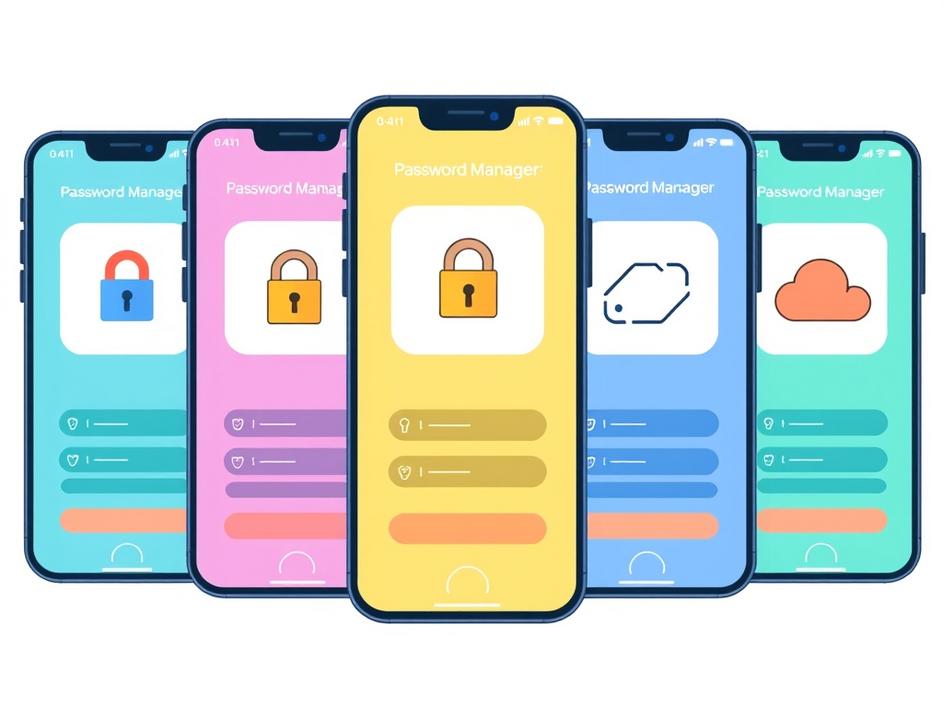
ToggleGoogle Password Manager is handy because it lives inside Chrome and Android. It fills passwords, saves new ones, and syncs across devices with your Google account. That sounds perfect until you start thinking about privacy, feature depth, and the fact that you’re locked into one ecosystem. If you ever switch phones, browsers, or want a richer set of tools – like secure notes, password sharing, or a built‑in password health check – the Google option can feel limiting. I’ve tried a few alternatives over the past year and found that a dedicated manager often feels more robust, more transparent, and sometimes even cheaper in the long run. Below are five apps that have earned a spot in my daily routine.
Bitwarden is the first name that comes to mind when I think of a solid, no‑nonsense password vault. It’s open‑source, which means the code is public and can be audited by anyone – a big win for security‑conscious users. The free tier already lets you store unlimited passwords, sync across unlimited devices, and generate strong passwords on the fly. The premium plan, at a few dollars a year, adds two‑factor authentication (2FA) storage, advanced reporting, and encrypted file attachments. What I love most is the browser extension: it works in Chrome, Firefox, Edge, and even Safari, and the autofill feels just as smooth as Google’s. If you’re comfortable with a little manual setup, Bitwarden gives you a lot of power without locking you into a corporate walled garden.
1Password takes the basic idea of a password locker and dresses it up with a sleek interface and useful extras. The app offers a “Travel Mode” that hides sensitive entries when you cross borders – a neat feature for frequent flyers. Its “Watchtower” tool scans your saved sites for known breaches and suggests password changes. The family plan lets up to five members share a vault, making it ideal for households that need a single place for logins, credit‑card details, and even Wi‑Fi passwords. While it’s a subscription service, the price includes premium support and regular security audits. If you value a polished UI and built‑in family management, 1Password is worth the monthly fee.
LastPass has been around for a long time, and you can feel the maturity in its feature set. The free version now allows syncing across all device types – a change that came after a brief period of limitation. It stores passwords, secure notes, and even form‑fill data for addresses and payment cards. The premium version adds dark web monitoring, emergency access, and advanced multifactor options. I appreciate the password‑sharing feature that lets you grant temporary access to a colleague without revealing the actual password. The biggest downside is the occasional UI hiccup, but overall it remains a reliable choice for people who want a well‑rounded manager without diving into open‑source territory.
Dashlane markets itself as more than just a password manager, and it delivers on that promise. Alongside the usual vault capabilities, it offers a built‑in VPN for secure browsing on public Wi‑Fi, dark web monitoring, and a password changer that can automatically update weak passwords on supported sites. The premium plan also includes identity theft protection in certain regions. The interface is clean, and the autofill works across browsers and apps with minimal friction. The downside is the price – Dashlane is one of the pricier options – but if you like the idea of bundling a VPN and breach alerts with your password storage, it can replace several separate tools.
If you prefer keeping everything off the cloud, KeePassXC is a solid offline alternative. It stores your vault in an encrypted database file that you can place on a USB stick, a local drive, or a self‑hosted cloud service like Nextcloud. The app is free and open‑source, and it supports a wide range of plugins for things like YubiKey integration and browser autofill via extensions. Because the data never leaves your control, you eliminate the risk of a remote breach. The trade‑off is a steeper learning curve – you’ll need to manage sync manually and set up the browser connector yourself. For tech‑savvy users who value absolute control, KeePassXC is a compelling option.
Choosing a password manager is a personal decision, and there’s no one‑size‑fits‑all answer. If you want a free, open‑source solution that works everywhere, Bitwarden is hard to beat. If you need family sharing and a polished experience, 1Password shines. LastPass offers a solid free tier with reliable sharing features, while Dashlane bundles extra security tools for a higher price. And for those who refuse to store anything in the cloud, KeePassXC gives you full offline control. My own setup uses Bitwarden for everyday logins, KeePassXC for ultra‑sensitive accounts, and Dashlane’s VPN when I’m on public Wi‑Fi. Test a couple of options, see which UI feels natural, and make sure the pricing matches your budget. After all, the best password manager is the one you actually use every day, keeping your digital life safe without adding friction.
Source: Original Article



Comments are closed